Understand the apps you use, build and work with.
Every app runs on the same few parts. Ctrl+Curious shows you what they are, how they talk and why things go wrong, one hands-on lesson at a time.
No technical background needed. No code to write. Early preview.

Apps run your day. How they work stays hidden.
You tap, pay, book and build with software all day.
Nobody shows you the picture underneath.
- How are my chats on my new phone?
- What does “backend” actually mean?
- Still broken. Please fix it.
Anyone who uses an app can understand how it works.
Come because you need to, or because you want to. Same lessons, one part at a time.
From hoping to knowing.
- Tapping and hopingKnowing what your tap sets off
- Nodding alongFollowing the conversation
- Asking your AI againTelling it exactly what to fix
Things you’ll be able to explain.
Moments you’ve had, and the part behind each one.
Your chats, on a new phone.
A server kept them, not your phone.
Delivered, before you checked.
The courier rang the shop’s app.
3 unread. All of them read.
Two copies of the truth disagree.
Logged out after five minutes.
Someone chose how long your wristband lasts.
Learn it by poking it.
Short, hands-on lessons on a small working app. No code, no lectures.
See it working first.
Every idea starts in an app that works.
Instead of starting from an error
Guess, then find out.
Predict it, then run it.
Instead of reading and watching videos
Everyday words first.
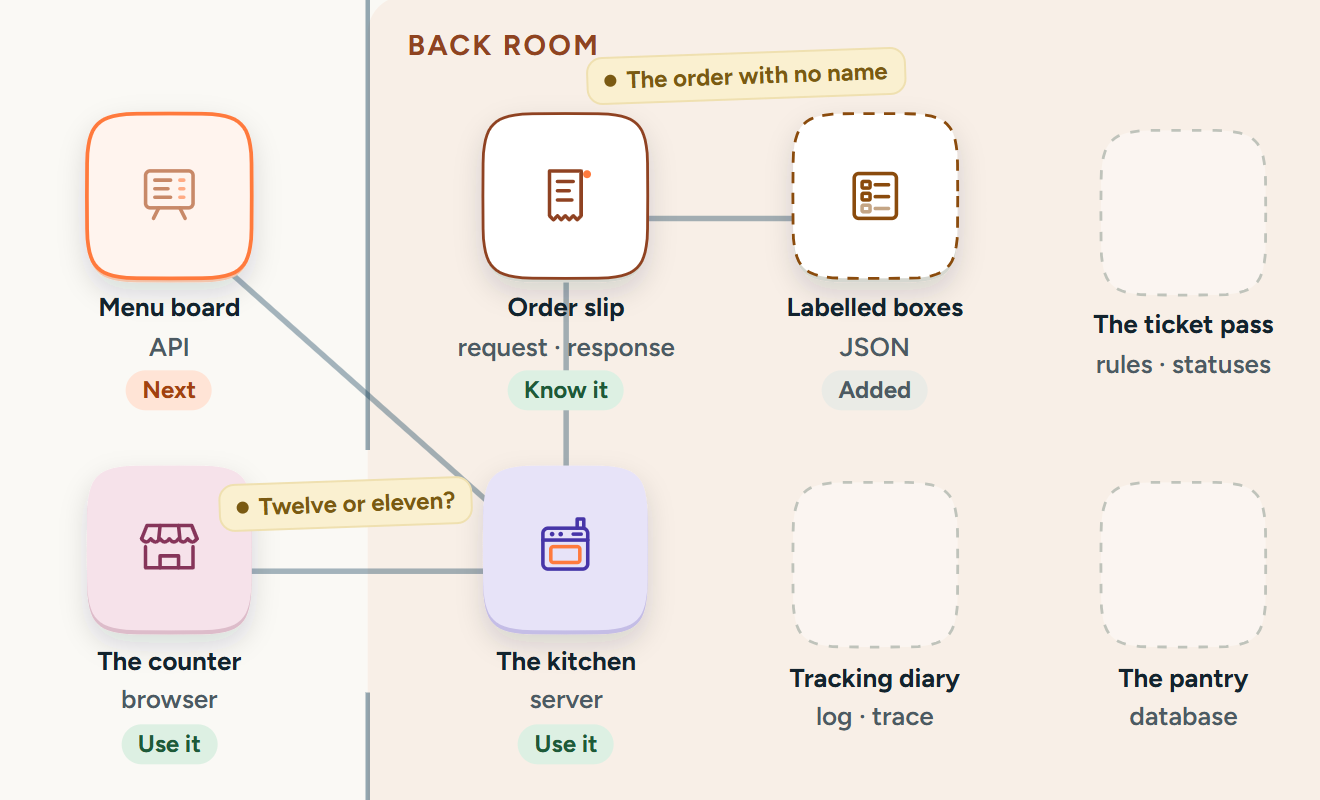
The counter and the kitchen, then client and server.
Instead of jargon up front
Your understanding, drawn.
Each idea joins your own map.
Instead of points and streaks
Something to take with you.
A clearer brief for your AI or your team.
Instead of learning that stays in the course

For curious adults, whatever brought you here.
- You’ve made something with Lovable Bolt Cursor or Claude and want to know what you made.
- You run a business that takes orders, bookings or payments online.
- You have an idea for an app and want to know what it would be made of.
- You work with developers, in design, marketing, product or the business side.
- Your work runs on apps and tools you didn’t build, and you’d like to know what they’re doing.
- You’ve always wondered what happens when you tap.
No coding background needed. Not for engineers, and not a way to learn to code.
Curiosity is a good enough reason to start.
The first lesson is two boxes and an arrow. By the end, you’ll see the part of every app that nobody shows you.
Opens the app preview. Your progress stays in this browser.